
Ergonomic Office Design: Prioritizing Employee Health and Productivity

Ergonomic Office Design Singapore — AI Associates

Quick answer

What are the benefits of ergonomic office design?

Ergonomic office design reduces workplace injuries and compensation claims, lowers absenteeism, improves work quality, enhances satisfaction and retention, and decreases healthcare costs. Studies show properly designed ergonomic workspaces can improve productivity by 10 to 15 percent while reducing injury rates by 50 percent or more.

Key Takeaways

  • Properly designed ergonomic workspaces can improve productivity by 10 to 15 percent and cut injury rates by 50 percent or more.
  • Height-adjustable desks (typically 65 to 130cm range) let workers alternate sitting and standing throughout the day.
  • Quality ergonomic chairs typically cost $400 to $800 each but prevent far costlier productivity and healthcare losses.

Introduction

Ergonomic office design has evolved from a niche consideration to a fundamental requirement as organizations across Singapore, Malaysia, and Indonesia recognize the direct connection between workspace design, employee health, and business performance. Poor ergonomics contributes to musculoskeletal disorders, fatigue, reduced productivity, and increased healthcare costs—all preventable through thoughtful design. This comprehensive guide explores how ergonomic office design principles create healthier, more comfortable, and more productive workplaces, benefiting both employees and organizational bottom lines.

Understanding Ergonomics in Office Design

Ergonomics is the scientific discipline of designing environments, equipment, and systems that fit human capabilities and limitations. In office contexts, ergonomic design optimizes interaction between workers and their physical environment, reducing physical stress, preventing injury, enhancing comfort, improving performance, and supporting long-term health. The human body didn't evolve for eight hours of sitting at desks staring at screens. Good ergonomic design counteracts these unnatural demands through proper equipment, varied postures, movement encouragement, and environmental controls supporting comfort throughout workdays.

The Business Case for Ergonomic Office Design

Investing in ergonomic design delivers measurable returns including reduced workplace injuries and workers compensation claims, lower absenteeism and presenteeism, improved productivity and work quality, enhanced employee satisfaction and retention, decreased healthcare costs, and regulatory compliance meeting workplace safety standards. Studies show properly designed ergonomic workspaces can improve productivity by 10-15% while reducing injury rates by 50% or more—financial impacts that quickly justify initial investments.

Essential Elements of Ergonomic Office Design

  1. Adjustable Height Desks
Height-adjustable desks are foundational to ergonomic office design, allowing workers to alternate between sitting and standing throughout the day. Proper implementation includes electric height adjustment for ease of use, adequate height range (typically 65-130cm), stability at all heights, smooth, quiet operation, and memory presets for individual preferences. Research shows sit-stand working reduces sedentary time, improves circulation, burns additional calories, increases energy and focus, and reduces musculoskeletal discomfort—benefits that accumulate significantly over months and years.
  1. Ergonomic Office Chairs
Quality seating is critical for employees spending hours at desks. Ergonomic chairs feature adjustable seat height with feet flat on floor, adjustable lumbar support maintaining spinal curve, adjustable armrests at proper elbow height, appropriate seat depth and width, breathable upholstery, and stable five-wheel base. Investing in quality chairs—typically $400-800 per chair—prevents discomfort and injury that costs far more in lost productivity and healthcare.
  1. Monitor Positioning and Display Ergonomics
Computer monitors should be positioned for neck and eye comfort including top of screen at or slightly below eye level, 50-70cm distance from eyes, direct viewing angle (perpendicular to eyes), reduced glare from windows and lights, and external monitors for laptop users. Monitor arms provide flexible positioning accommodating different users and tasks. Dual or multiple monitors require careful arrangement ensuring comfortable viewing angles across screens.
  1. Keyboard and Mouse Positioning
Keyboards and mice should support neutral wrist positions with keyboards at elbow height with relaxed shoulders, slight negative keyboard angle, mouse at same level as keyboard, wrist supports if needed, and alternative input devices for variety. Poor keyboard and mouse ergonomics commonly cause repetitive strain injuries including carpal tunnel syndrome—easily prevented through proper setup.
  1. Lighting for Visual Comfort
Proper lighting reduces eye strain and headaches, implemented through adequate general lighting (300-500 lux for offices), task lighting for detailed work, reduced screen glare, natural daylight access, and individual control where possible. Screen brightness should match ambient lighting—not excessively bright in dim rooms or too dim in bright environments.
  1. Acoustic Comfort
Noise is a significant ergonomic stressor affecting concentration, stress levels, and productivity. Ergonomic acoustic design provides quiet spaces for focused work, acoustic treatments absorbing sound, sound masking reducing distraction, phone booths for calls, and spatial separation between noisy and quiet functions. Chronic noise exposure contributes to stress, fatigue, and cardiovascular issues—making acoustic comfort a health priority beyond just preference.
  1. Thermal Comfort and Air Quality
Temperature and air quality profoundly affect comfort and productivity. Ergonomic environmental design includes temperature control (21-23°C typical for offices), adequate ventilation and air changes, humidity management (40-60% relative humidity), air filtration removing pollutants, and individual control where feasible. Poor air quality contributes to "sick building syndrome" with symptoms including headaches, fatigue, and respiratory irritation.
  1. Movement and Posture Variety
The human body needs regular movement and posture changes. Ergonomic office design encourages movement through sit-stand desks promoting posture changes, strategically located shared facilities requiring walking, stairs designed for easy use, break areas away from desks, and walking meetings or calls. "Sitting is the new smoking"—while hyperbolic, this phrase reflects genuine health concerns about excessive sedentary time. Design should facilitate regular movement throughout days.

Implementing Ergonomic Design Across Different Work Settings

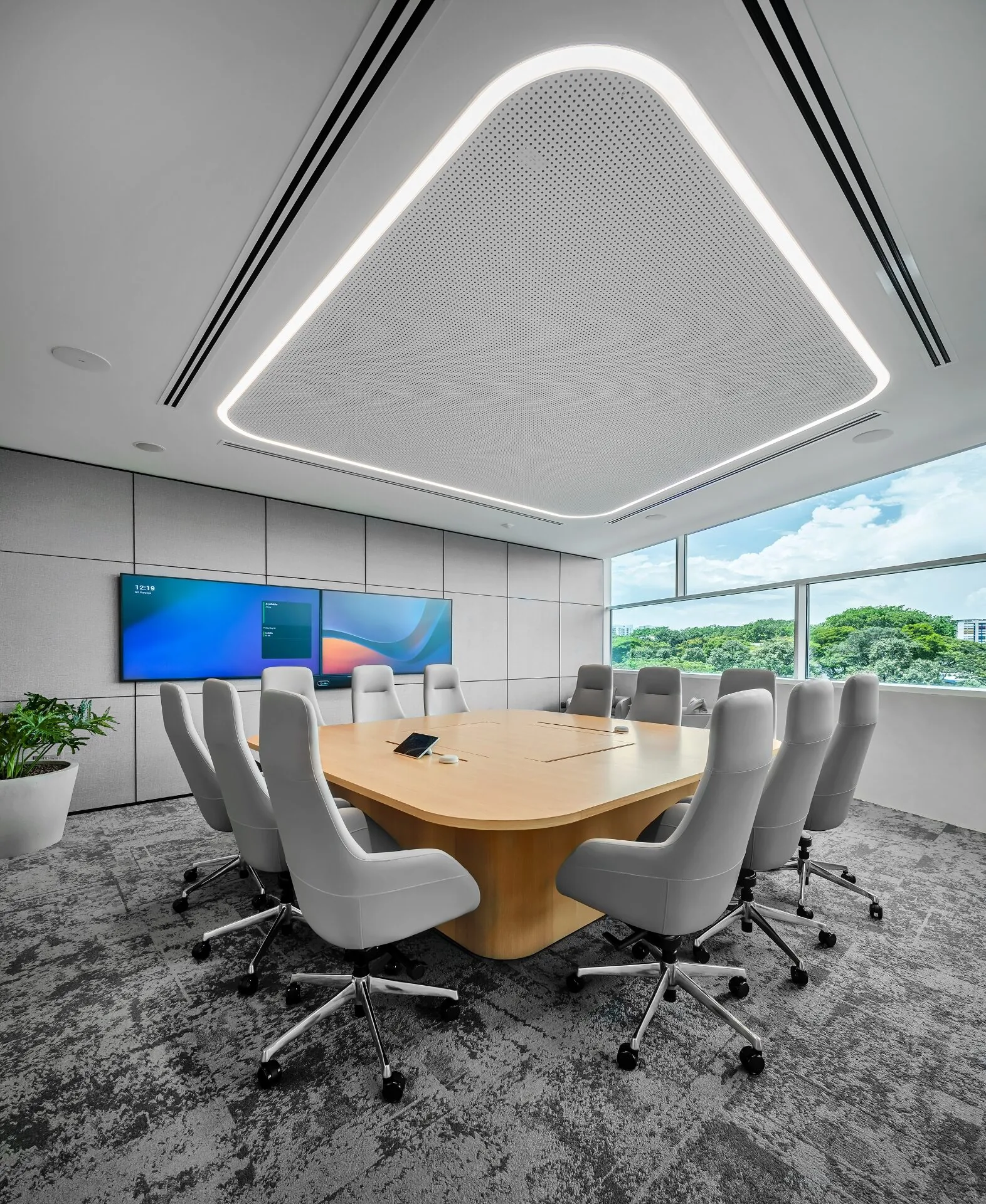
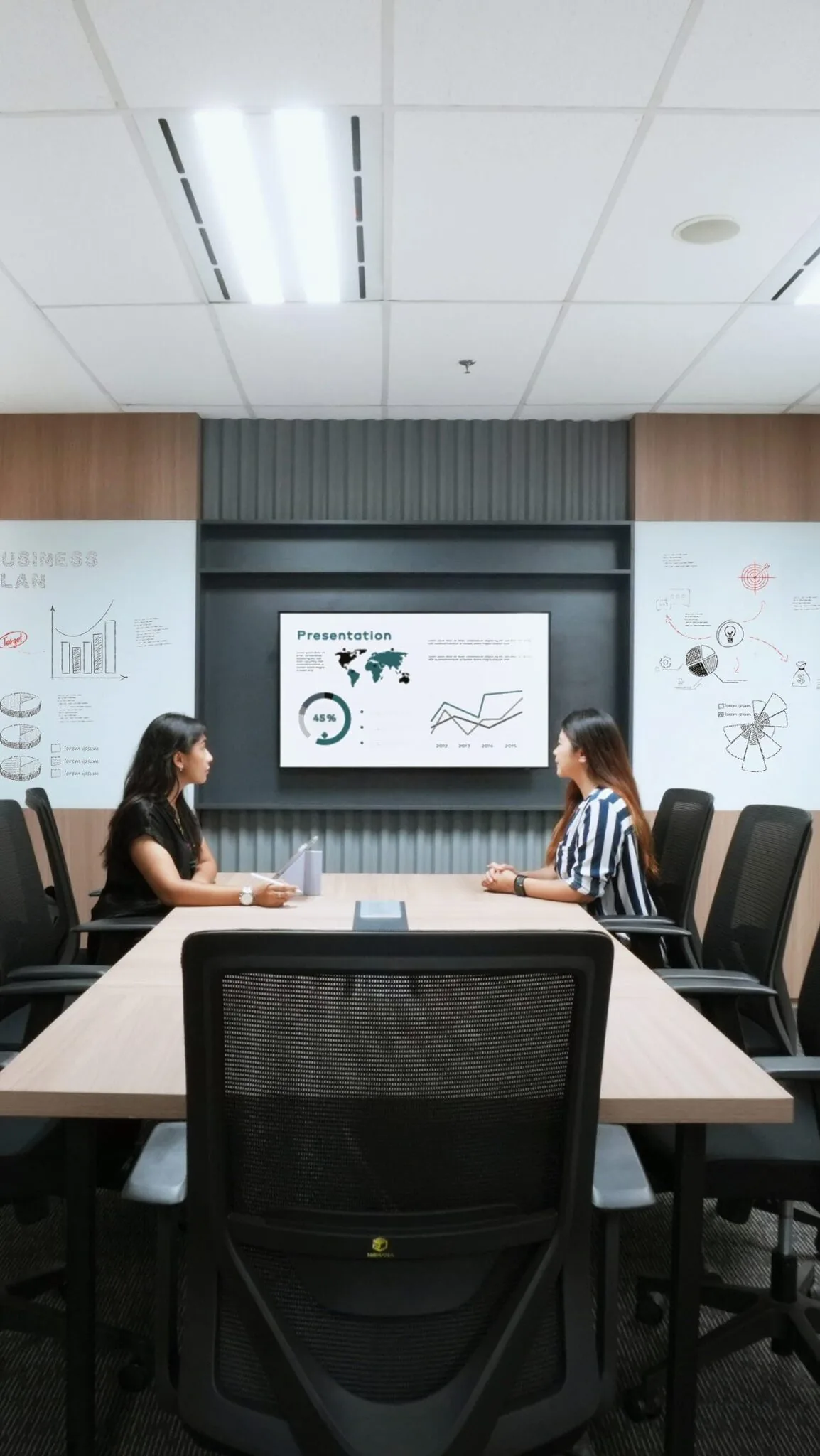
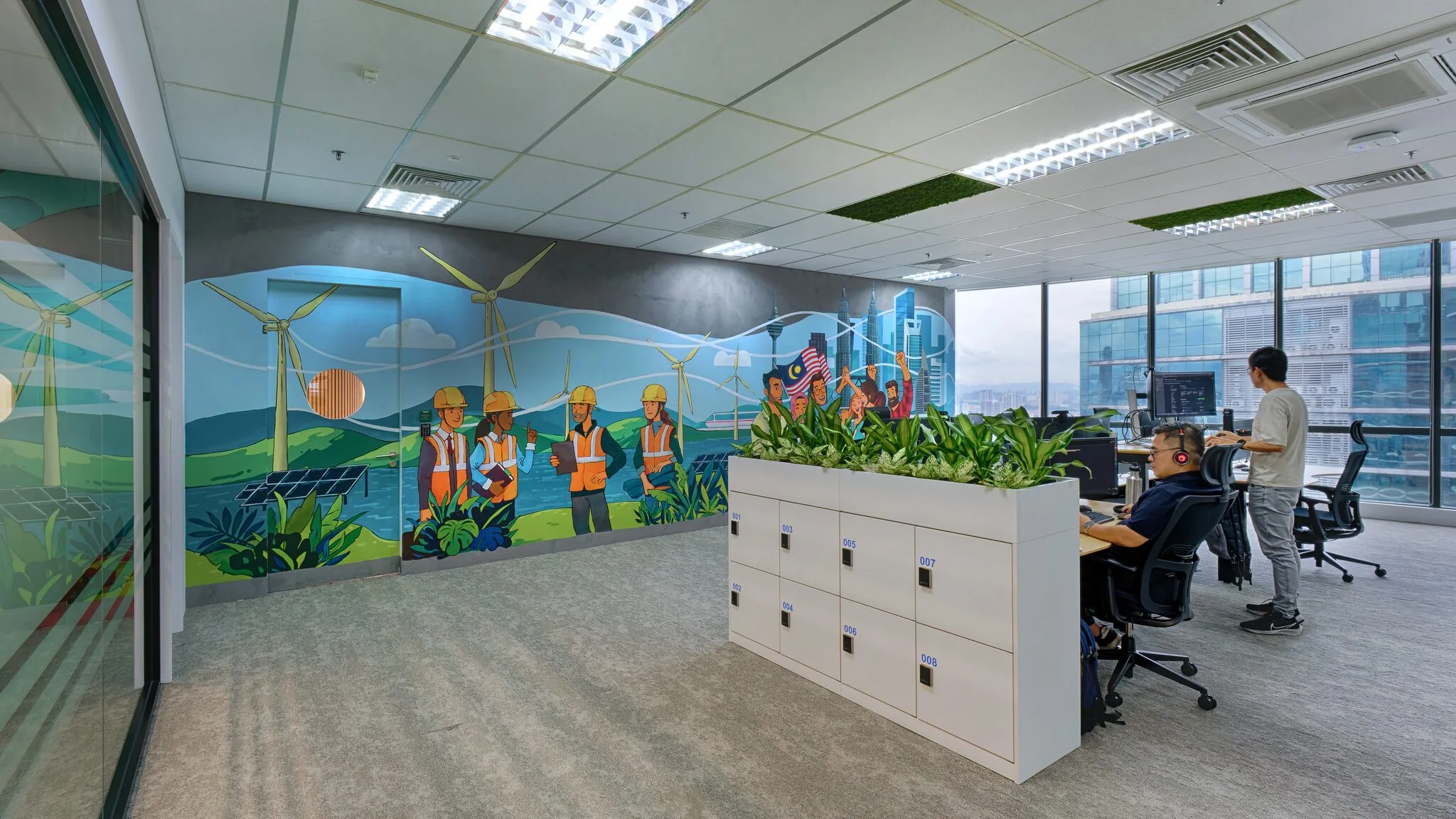
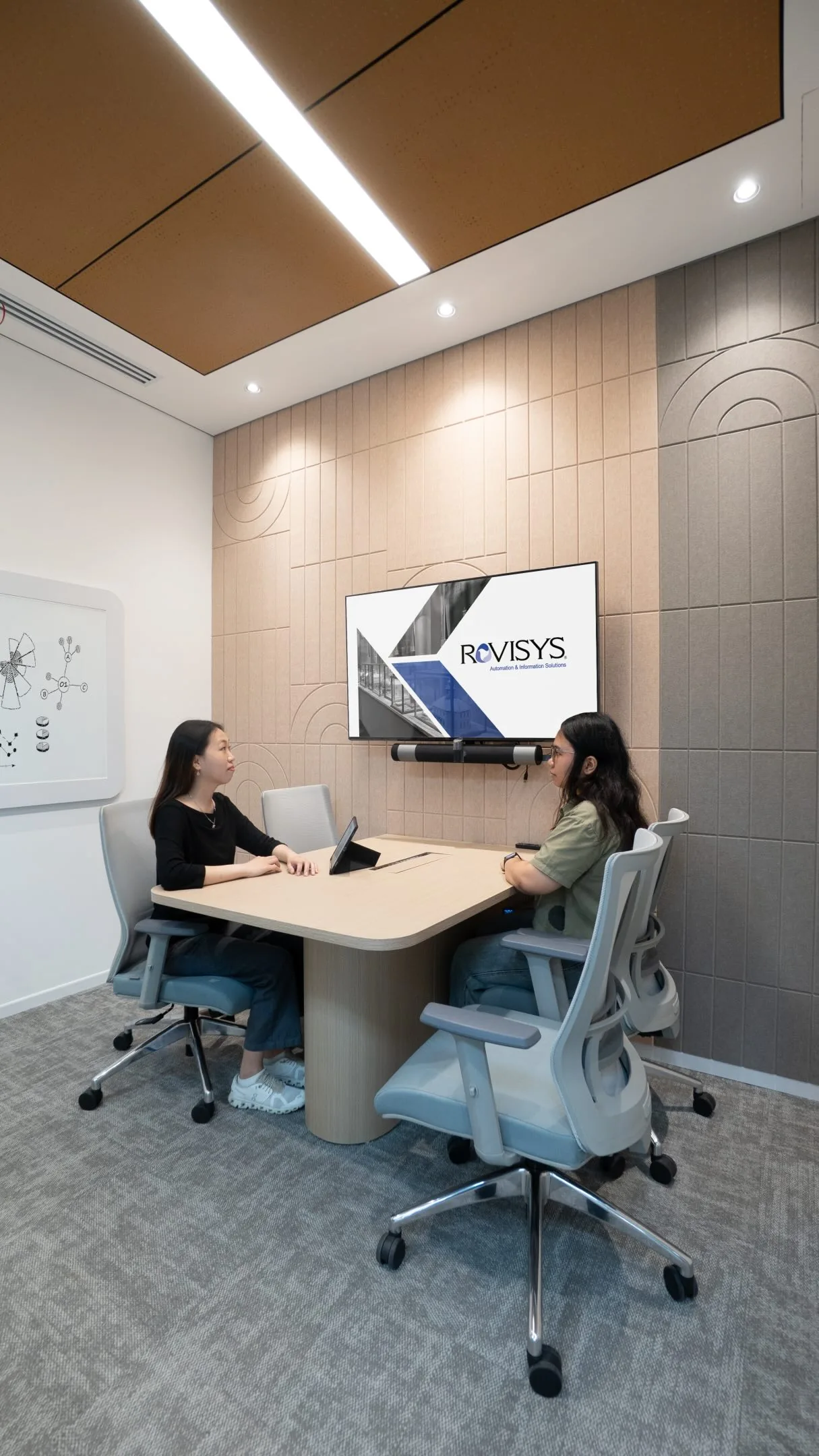
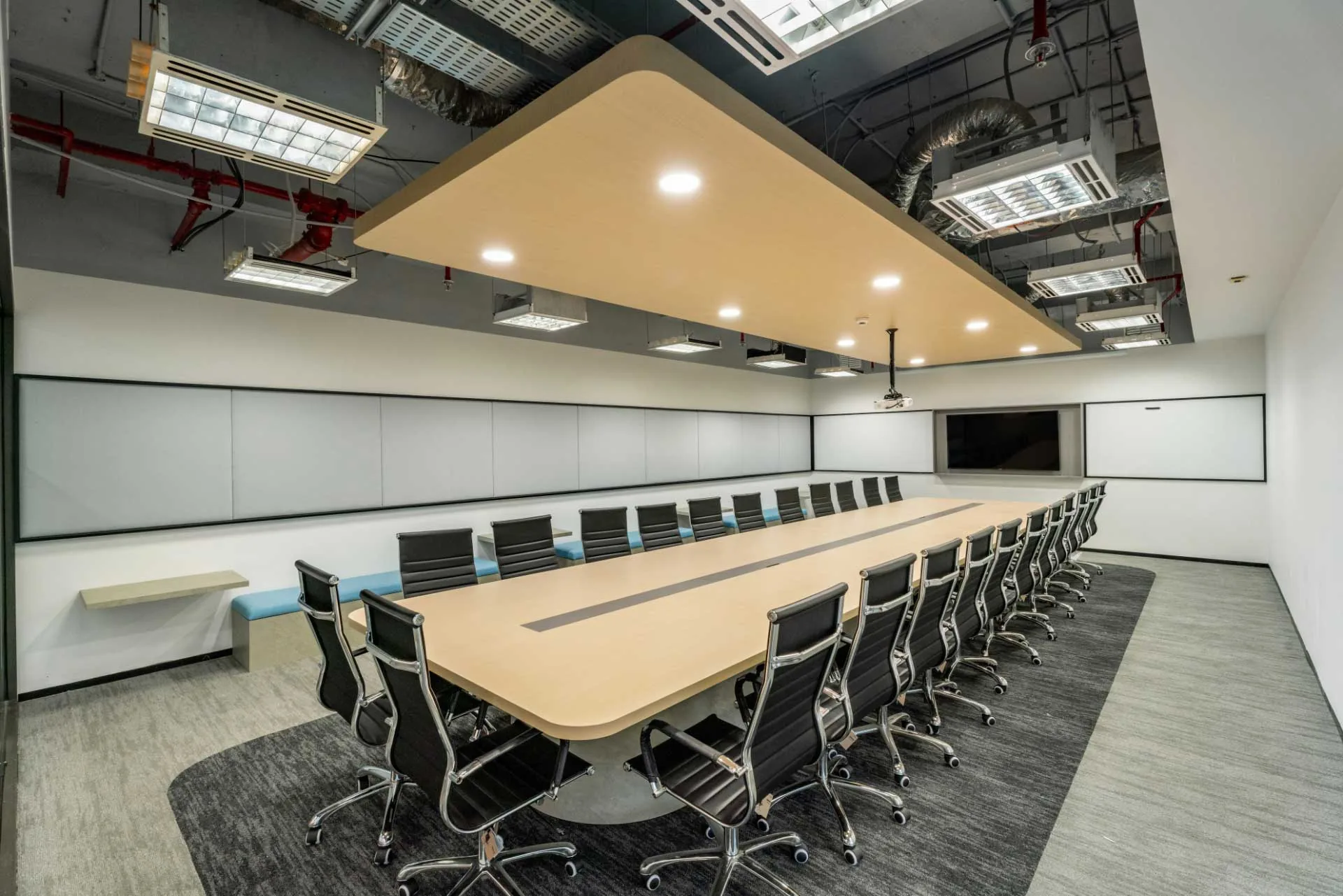
Individual Workstations Standard desk positions require comprehensive ergonomic attention with proper desk height and surface area, quality adjustable chair, monitor positioning equipment, keyboard and mouse setup, adequate task lighting, and personal storage reducing clutter. Open Office Environments Open layouts create ergonomic challenges through acoustic and visual distractions. Solutions include varied desk types and locations, acoustic panels and treatments, privacy screens or plants creating separation, white noise systems, and adequate enclosed spaces for alternative work modes. Meeting and Collaboration Spaces Meeting rooms often neglect ergonomics despite extended use. Ergonomic meeting spaces feature comfortable seating appropriate for meeting duration, proper table height, good sightlines for all participants, adequate climate control, and appropriate acoustic design. Home Office Ergonomics for Hybrid Workers As hybrid work expands, employers should support home office ergonomics through equipment provisions or allowances, ergonomic guidelines and training, virtual ergonomic assessments, and IT support ensuring proper setup.

Ergonomic Assessment and Implementation Process

Implementing ergonomic office design involves systematic assessment including baseline assessments identifying current issues, employee surveys gathering feedback, workstation evaluations, task analysis understanding work patterns, and injury data review. Following assessment, comprehensive improvements might include furniture upgrades, environmental modifications, equipment provisions, policy changes encouraging movement, and training programs.

Training and Education

Even optimal ergonomic design fails without proper use. Training programs should cover ergonomic principles, equipment adjustment, posture awareness, break-taking habits, and stretching exercises. Regular refresher training maintains awareness as new employees join and habits drift over time.

Technology Supporting Ergonomics

Modern technology enhances ergonomic implementation including sit-stand desk reminder apps, posture monitoring devices, ergonomic assessment software, space utilization analytics, and wearable devices tracking movement. These tools help individuals maintain healthy habits while providing organizations data for continuous improvement.

Regional Considerations in Asia

Ergonomic standards and awareness vary across Asian markets. Singapore leads in workplace safety regulations and ergonomic adoption. Malaysia shows growing interest, particularly in multinational corporations. Indonesia's emerging focus on workplace wellbeing creates opportunities for ergonomic improvement. Understanding regional norms and standards ensures designs meet local requirements while implementing international best practices.

Measuring Ergonomic Program Success

Evaluating ergonomic improvements involves tracking injury and workers compensation rates, absenteeism trends, employee satisfaction scores, productivity metrics, utilization of ergonomic features, and healthcare cost changes. Successful programs demonstrate measurable improvements across these indicators, validating ongoing investment.

Working with Ergonomic Design Specialists

Implementing comprehensive ergonomic office design requires expertise in human factors and biomechanics, furniture and equipment specification, environmental design, training program development, and regulatory compliance. AI Associates integrates ergonomic principles throughout our office design projects across Asia. Our approach combines evidence-based ergonomics with practical implementation, ensuring designs support employee health without sacrificing aesthetics or functionality. We partner with certified ergonomic specialists when projects require detailed assessments or have specific injury prevention goals.

Conclusion

Ergonomic office design is a strategic investment in employee health, productivity, and organizational performance. By systematically addressing workstation design, environmental factors, and behavioral practices, organizations create healthier workplaces that enhance wellbeing while reducing injury risk and associated costs. Whether implementing ergonomic improvements in existing offices or designing new spaces, prioritizing ergonomics demonstrates commitment to employee wellbeing that pays dividends in performance, retention, and reputation. Contact AI Associates to discuss how ergonomic design principles can transform your workplace into a healthier, more productive environment.

Frequently Asked Questions

What are the benefits of ergonomic office design?

Ergonomic office design reduces workplace injuries and compensation claims, lowers absenteeism, improves work quality, enhances satisfaction and retention, and decreases healthcare costs. Studies show properly designed ergonomic workspaces can improve productivity by 10 to 15 percent while reducing injury rates by 50 percent or more.

How should a computer monitor be positioned ergonomically?

Position the top of the screen at or slightly below eye level, 50 to 70cm from your eyes, at a direct viewing angle perpendicular to the eyes. Reduce glare from windows and lights, and use external monitors for laptops. Monitor arms provide flexible positioning.

How much does a good ergonomic office chair cost?

Quality ergonomic office chairs typically cost $400 to $800 each. They feature adjustable seat height, adjustable lumbar support, adjustable armrests, appropriate seat depth, breathable upholstery, and a stable five-wheel base. This investment prevents discomfort and injury that costs far more in lost productivity.

Resources Related
Follow us on @ai.associates_

A closer look at our work, people, and design process.

Our officesSingapore/Kuala Lumpur/Jakarta
We design and build experiences.
At AI Associates, we turn ideas into thoughtful spaces, driven by strategy and experience. Get in touch with us to begin your design journey.
Singapore
A I Associates Pte Ltd

2 Sims Close #07-02 Gemini @ Sims Singapore. 387298.

T: +65 6659 7688

Malaysia
A.I. Architectural Interior Associates Sdn Bhd.

Unit No. 20-03, Level 20, Menara MBMR, No. 1, Jalan Syed Putra, Kuala Lumpur, 58000, Malaysia.

T: +60 3 2302 2900

Indonesia
PT. Architectural Interiors Indonesia

PIFT 19th floor unit 03, Jl. Lingkar Puri Dalam Blok T-8, Puri Indah, Jakarta Barat, Indonesia. 11610.

T: +6221 2258 5558

Cambodia
AI Associates (Cambodia) Co.,Ltd

No. 724 ECC Building 18th Floor, Norodom Blvd, Sangkat Tonle Basak, Khan Chamkamorn, Phnom Penh, Cambodia.

T: +855 23 230 763

Vietnam
AI Associates Vietnam Company Limited

617 & 617A National Road 13, Town 3, Hiep Binh Phuoc Ward, Thu Duc City, Ho Chi Minh City, Vietnam

China
A I Associates (Shanghai) Co., Ltd

Rm5213, 5th floor, No.656 Guilin Road, Xuhui district Shanghai, China